| Core timer |
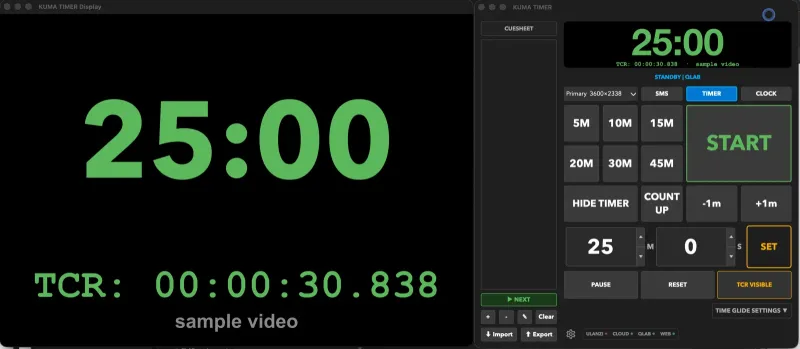
| Countdown, count-up, pause, reset, hide | ✓ | ✓ | ✓ |
| Presets (quick-load & editor) | ✓ | ✓ | ✓ |
| Cues — load / next / prev / edit | ✓ | ✓ | ✓ |
| HH:MM:SS mode for long cues | ✓ | ✓ | ✓ |
| Time Glide (smooth time stretch) | ✓ | ✓ | ✓ |
| Time Jump (stealth chunk-skip cuts) NEW | ✓ | ✓ | ✓ |
| SMS flash message overlay | ✓ | ✓ | ✓ |
| Clock mode (wall clock) | ✓ | ✓ | ✓ |
| Display |
| Fullscreen text / round display modes | ✓ | ✓ | ✓ |
| Color thresholds + progress bar styles | ✓ | ✓ | ✓ |
| Custom fonts + background image | ✓ | ✓ | ✓ |
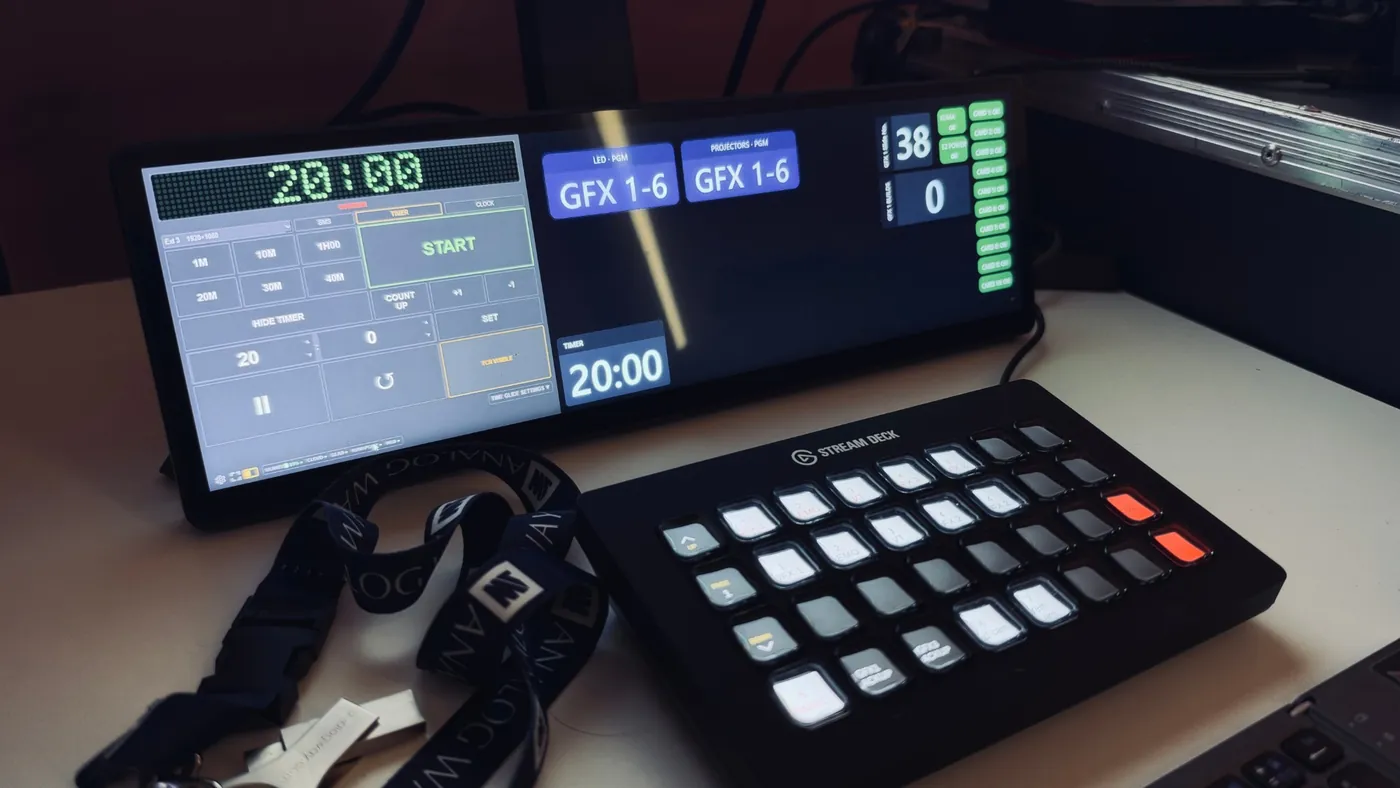
| Wide-screen kiosk — frameless, full-height strip for ultra-wide displays (e.g. 2560×720) | ✓ | ✓ | — |
| Auto-fit to short screens (720 px bars, small laptops) | ✓ | ✓ | — |
| Presenter View (second monitor) | ✓ | ✓ | — |
| Network integrations |
| OSC in/out (Companion, QLab, etc.) | ✓ | ✓ | ✓ |
| LTC timecode input | ✓ | ✓ | ✓ |
| Bitfocus Companion module | ✓ | ✓ | ✓ |
| Web admin panel (any device on LAN) | ✓ | ✓ | ✓ |
| KUMA Live cloud share (QR + link) | ✓ | ✓ | ✓ |
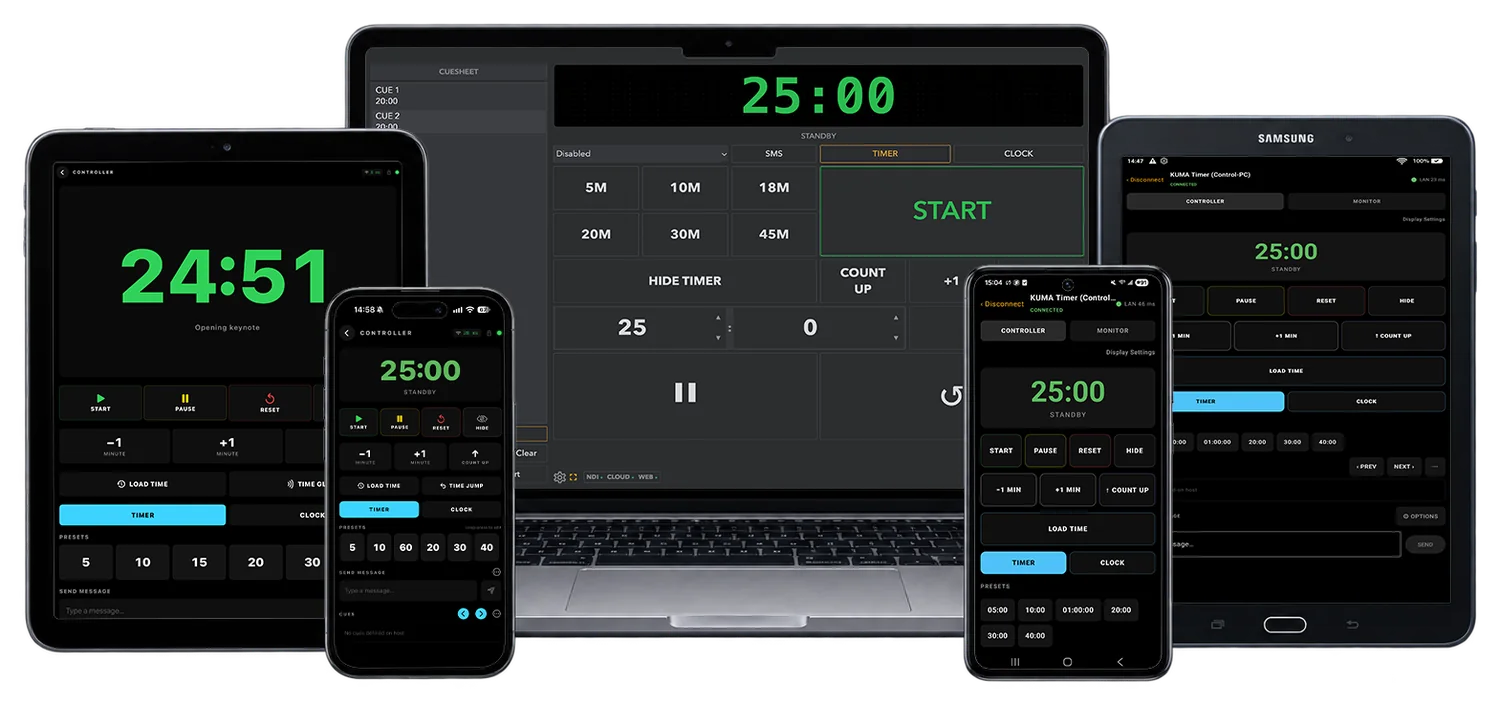
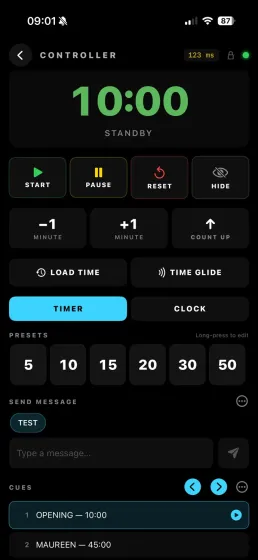
| KUMA Companion app (iPhone, iPad & Android) | ✓ | ✓ | ✓ |
| NDI® output | ✓ | ✓ | ✓ |
| OMT output (Open Media Transport) | ✓ | ✓ | ✓ |
| Blackmagic DeckLink SDI/HDMI output | ✓ | ✓ | — |
| CDEther (Interspace Ind.) hardware displays | ✓ | ✓ | ✓ |
| Direct-Attach Mode — drive CDEther with just laptop & cable, no router (built-in DHCP) | ✓ | ✓ | ✓ |
| LimiTimer / DSAN PCT-2 (USB serial) | ✓ | ✓ | ✓ |
| TCR follow from QLab, Mitti, Millumin and PowerPoint at the same time (newest clip owns the line) | ✓ | ✓ | ✓ |
| PowerPoint (KumaPoint) — up to 4 presenter machines with automatic backup failover and out-of-sync alarm | ✓ | ✓ | ✓ |
| Ignore TCR of looping clips | ✓ | ✓ | ✓ |
| Ulanzi TC001: a playing video’s time takes over the LED clock (with a TCR tag) | ✓ | ✓ | ✓ |
| Deployment & updates |
| Kiosk mode — fullscreen on boot, no desktop | — | — | ✓ |
| Auto-start on power-on (systemd) | — | — | ✓ |
| One-click update (web admin button) | ✓* | ✓* | ✓ |
| Config export / import (sync between devices) | ✓ | ✓ | ✓ |
| Code-signed installer (no browser warning) | ✓ | ✓ | — |